Manage coachees
Updated Oct. 13, 2026 by SupportThe Coachee List displays all coachees added to your account. There are no seat limits, so you can add as many coachees as needed and assign them to any coach on the platform.
 Add New Coachees
You can add an unlimited number of coachees to your account, as coachees do not require seats.
 Add one coachee
- Go to Coachees in the left-hand menu.
- Click New
- Select + Add New Coachee.
- Enter the coachee’s first name, last name, and email address.
- To send the invitation immediately, click Send Invitation before submitting.
- Click Submit.
- If you prefer to invite the coachee later, they will still be saved under coachee Listing.
- To send an invitation later, click Options next to their name in the list and choose Send Invitation.
- The coachee will receive an email to activate and set up their account.
 Tip:
Tip:
- A green line next to the coachee’s name indicates that their account is activated.
- If the invitation was sent but the coachee didn't activate their account yet, you will see “Invitation has been sent” under their name. To resend the invitation, click Options → Resend Invitation.
- If the coachee was added without sending an invitation, you can send it at any time by clicking Options → Send Invitation.
Add Coachees in Bulk
- Go to Coachees in the left-hand menu.
- Click New on the top-right of the Coachee List.
- Select Bulk Upload Coachee.
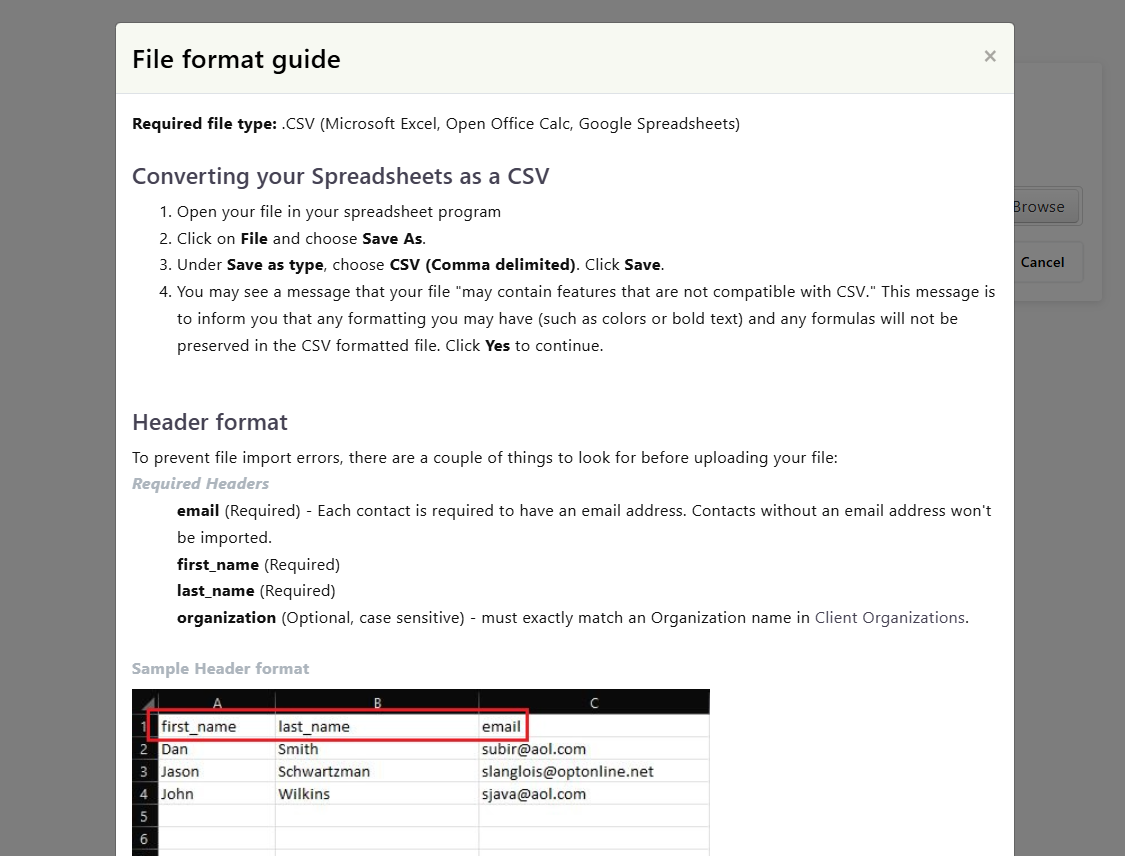
- Download the CSV template and enter your coachee data.
- Upload the completed file.
- Review the extracted data before confirming the upload.
Manage Coachee Settings
Use this section to update a coachee’s profile details, view their assigned coaches, and make any necessary adjustments to their account.
Manage Coachee Profile
- Go to Coachees in the left-hand menu.
- Click Options next to the coachee’s name.
- Select Profile.
- Click About to view or edit the coachee’s profile details.
- You may update any existing information.
Manage Assigned Coaches
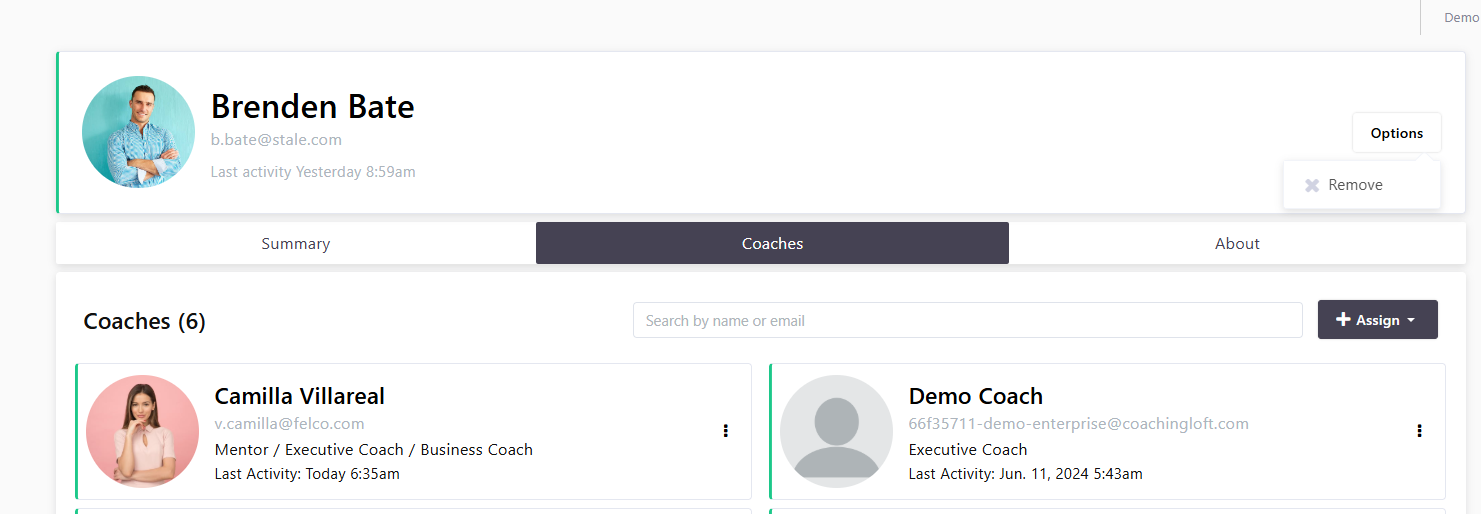
- In the coachee’s profile, click Coaches to view their assigned coach(es).
- You can assign a new coach or update coach assignments from this section.
Remove Coachees
- Click Options next to the coachee’s name.
- Select Remove to delete the coachee from the account.