
Reset your password
Updated Aug. 26, 2026 by SupportIf you’re unable to log in to your account, you can quickly reset your password in just a few steps. This ensures you can regain secure access to your coachee or coach portal anytime.
 How to Reset Your Password
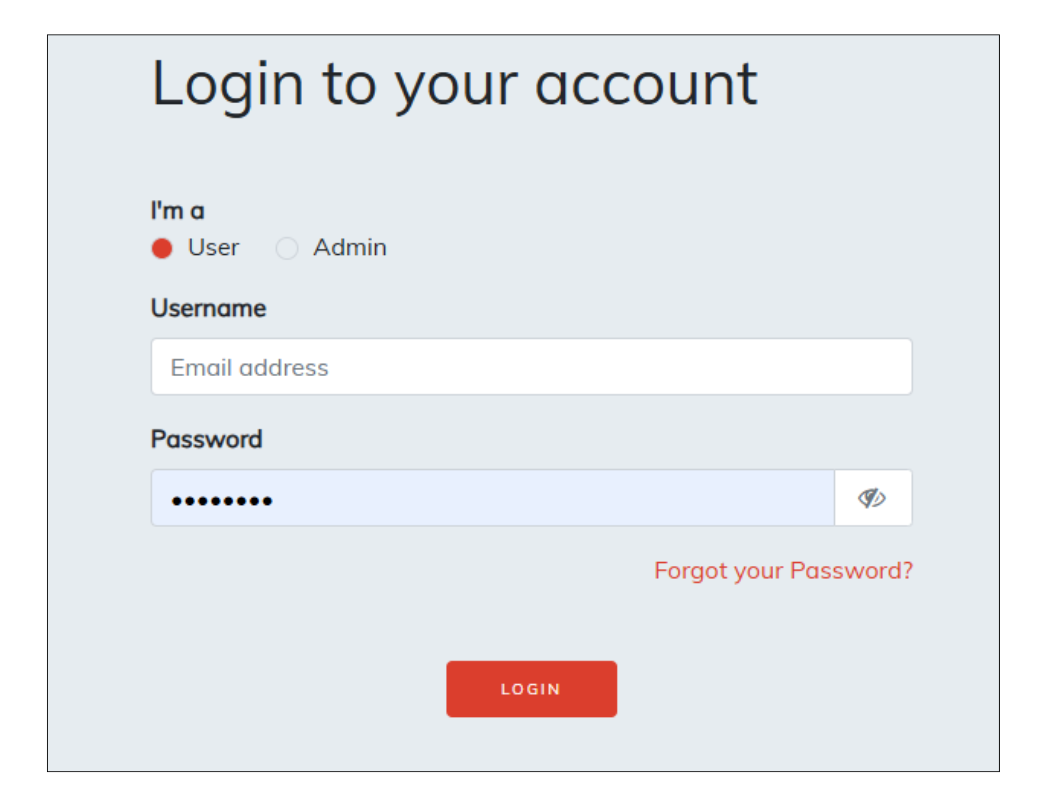
- Go to the platform’s login page.
- Click “Forgot your password?” located below the login fields.
- Enter your registered email address.
- A password reset link will be sent to your inbox.
- Open the email and follow the link to create a new password.
 Didn’t Receive the Reset Link?
If you don’t see the email in your inbox:
- Check your Spam or Junk folder.
- Wait a few minutes, then try submitting the request again.
- Make sure you’re entering the correct email address associated with your account.

