FAQs
See all frequently asked questions from the Coaching Loft community.
Getting Started
Learn how to create and activate your account, complete your profile, define your coaching type(s), and more.
Coach Account Setup
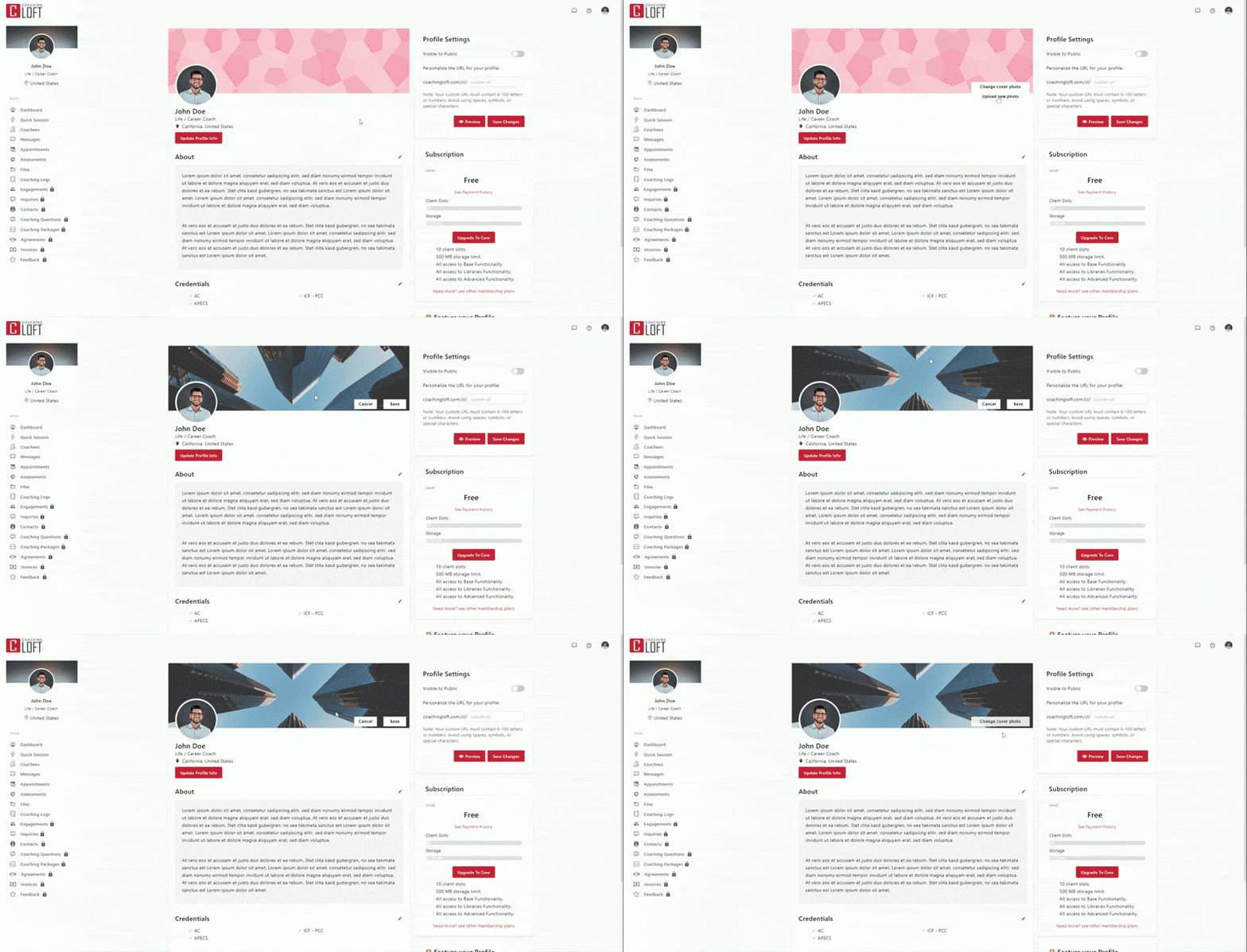
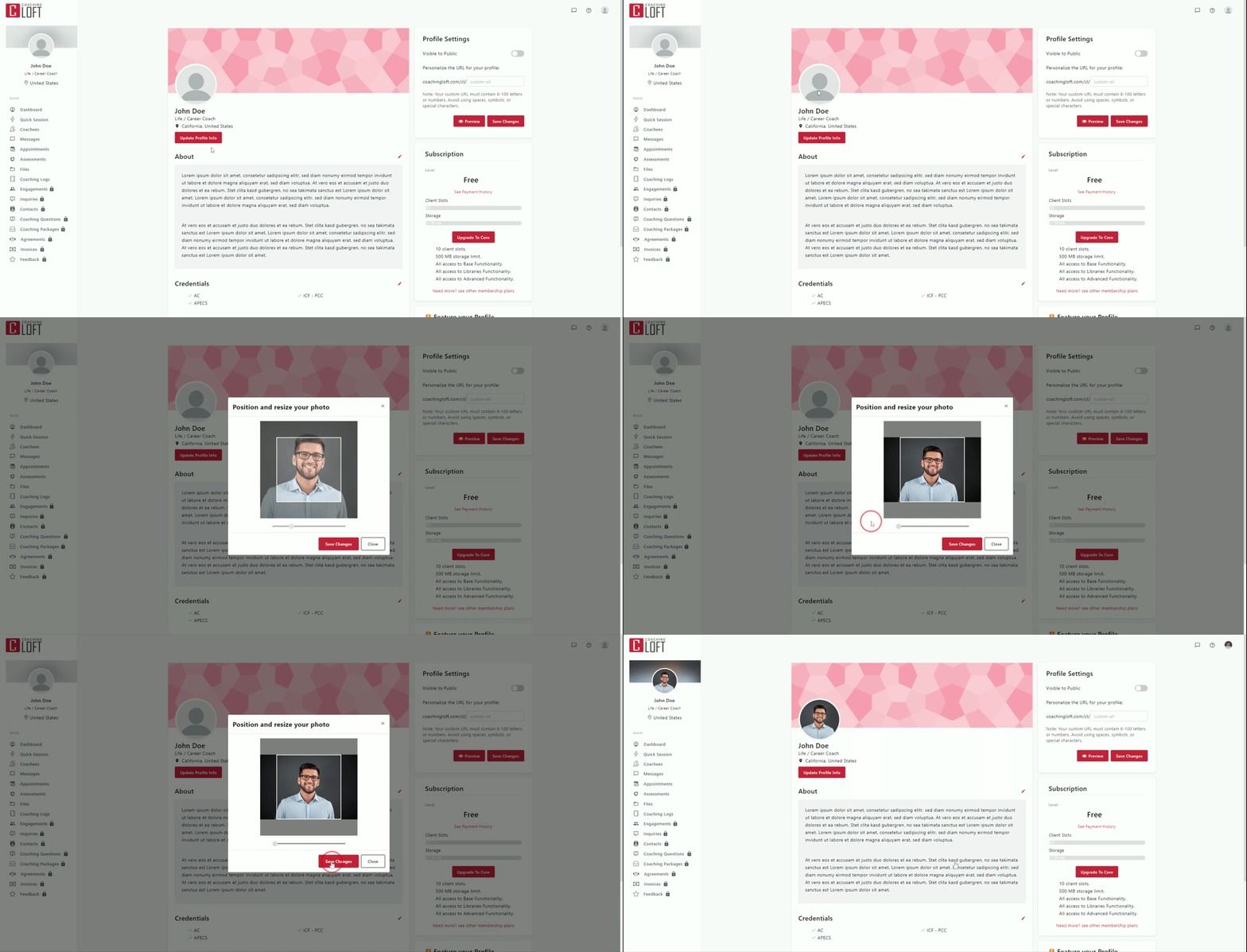
This section guides you through the first steps of using the platform as a coach. Learn how to set up your profile, adjust your language and time zone, manage notifications, secure your account with 2FA, and troubleshoot common issues.
Coach Account Management
This section explains how to manage your daily coaching activities on the platform. Learn how to use your dashboard, work with coachees, manage contacts, send messages, organize files, access the coaching questions library, and review feedback.
Appointment Guide
Learn how to create appointments, create and use appointment scheduling pages, syncing your personal calendar, and respond to appointment invites.
Coaching Session & Logs
Learn how to use the Coaching Notepad and utilize it during your coaching session with your coachees, save previous session logs, and more.
Assessments Guide
Create and assign assessments, understand how it can help you to learn more about your coachees.
Engagements Guide
Build program templates and use it as an engagement for you and your coachee to follow on your coaching journey.
Coaching Packages Guide
Understand how to create your first Coaching Package from creating products to bundling them up together, use it to gather potential coachees.
Legal & Finance
Learn how to use the agreements module and how invoicing works on the platform.
Integrations
See the list of supported integrations that will help you connect your Coaching Loft account to other platforms.
Coachee Account setup
This section guides you through the first steps of using the platform as a coachee. Learn how to set up your profile, adjust your language and time zone, manage notifications, secure your account with 2FA, and troubleshoot common issues.
Coachee Account Management
This section guides you through managing your day-to-day coaching activities on the platform, including how to handle your account and navigate the coachee portal.
Enterprise Account Setup
Set up and customize your enterprise account. Configure company details, branding, domains, security, notifications, and integrations to create a fully branded experience for your coaches and coachees.
Enterprise Account Management
Everything you need to know about the general functionalities of the platform.
Assessment Guide - Enterprise Admin
This section explains how enterprise admins can create assessments, share them with coaches, and assign them to coachees, including managing and distributing 360-degree assessments.
Coaching packages Guide - Enterprise Admin
Enhanced coach profile is an upgraded version of the Public Coach Profile - which gives the coaches the ability to create their own custom web page.
Engagement Guide - Enterprise Admin
A clear, step-by-step guide to creating Engagement Templates and managing coaching engagements across your organization. Learn how to set up, assign, monitor, and streamline coach–coachee programs.
Didn't find what your looking for?
Contact us