
Enable browser notifications
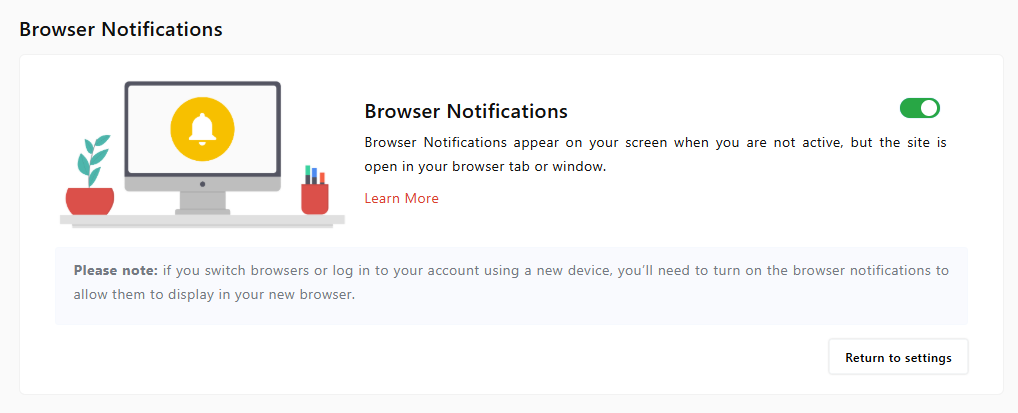
Updated Aug. 26, 2026 by SupportIn addition to email alerts, you can choose to receive real-time browser notifications to stay updated on new coaching sessions, messages, goals, and tasks without needing to check your inbox.
 Supported Browsers
Browser notifications work on the latest versions of the following:
- Google Chrome (v32+)
- Mozilla Firefox (v22+)
- Safari (v6+)
- Microsoft Edge
- Opera
 Note:
Note:
Browser notifications are specific to the device and browser you’re using. If you log in from a different device or browser, you’ll need to re-enable them.
 How to Enable Browser Notifications
Step 1: Access Notification Settings
- Log in to your account.
- Click your profile icon at the top-right corner.
- Select Settings.
- Scroll to the Browser Notifications section and click Configure.
Step 2: Turn On Notifications
- Toggle the switch ON.
- A pop-up will appear in your browser — click Allow to start receiving notifications.
Not Receiving Browser Notifications?
If your browser supports push notifications but you’re not getting them, follow the steps below to make sure they’re enabled.
Google Chrome
- Click the lock icon in the address bar.
- Under Notifications, select Allow.
- If not visible, click Site Settings, scroll to Notifications, and set it to Allow.
Mozilla Firefox
- Click the lock icon in the address bar.
- Click the arrow > next to the connection status.
- Choose More Information → Permissions tab.
- Under Send Notifications, uncheck Use Default and select Allow.
Safari
- In the menu bar, go to Safari > Preferences.
- Click the Websites tab (or Notifications tab in older versions).
- Select Notifications from the sidebar.
- Ensure the site is set to Allow, and the option “Allow websites to ask for permission…” is checked.
Microsoft Edge
- Click the lock icon in the address bar.
- Under Notifications, choose Allow.
- If not visible, go to Site Permissions, then set Notifications to Allow.
Unsupported Browsers
Push notifications are not supported on Internet Explorer.

