Manage your contacts
Updated Dec. 10, 2025 by SupportAccess, organize, and manage all your contacts in one place. Your contact list may include suppliers, potential clients, or any other individuals you interact with.
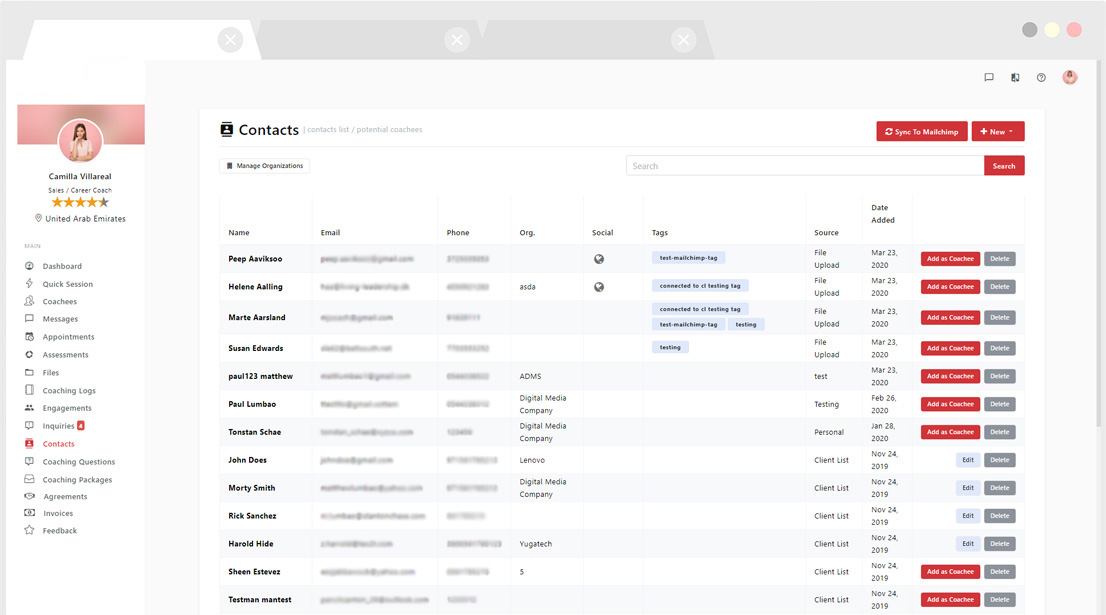
 Add a New Contact
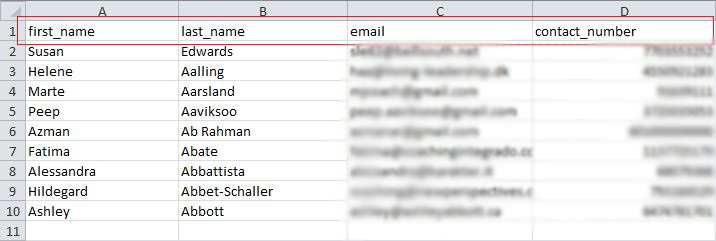
You can add contacts individually or upload multiple contacts at once.
 Add a Single Contact
- Click “New” at the top-right corner of the Contacts page.
- Select “Add a Single Contact.”
- Fill in all required fields.
- Click “Save” to add the contact.
- To continue adding more contacts, click “Save & Add a New Contact.”
 Pro Tip: