
Reset your account password
Updated Apr. 30, 2026 by SupportIf you cannot log in to your account, you can reset your password at any time from the login page.
 Reset Your Password
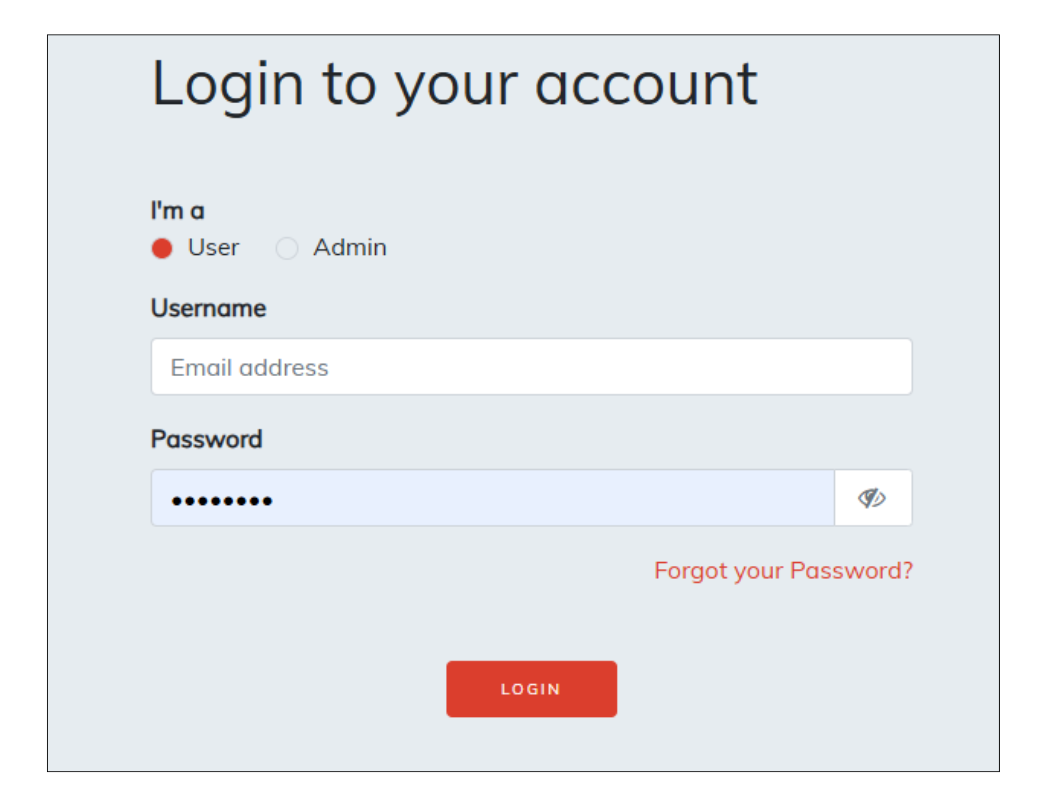
- On the Login Page, click Forgot your Password?
- Enter the email address linked to your account.
- Check your inbox for a password reset link.
- Click the link and follow the instructions to create a new password.
 Troubleshooting:
- If you don’t see the reset email, check your Spam or Junk folder.
- If the email isn’t there, try submitting another reset request.

